Interactive digital signage
Interactive digital signage, powered by your visitors
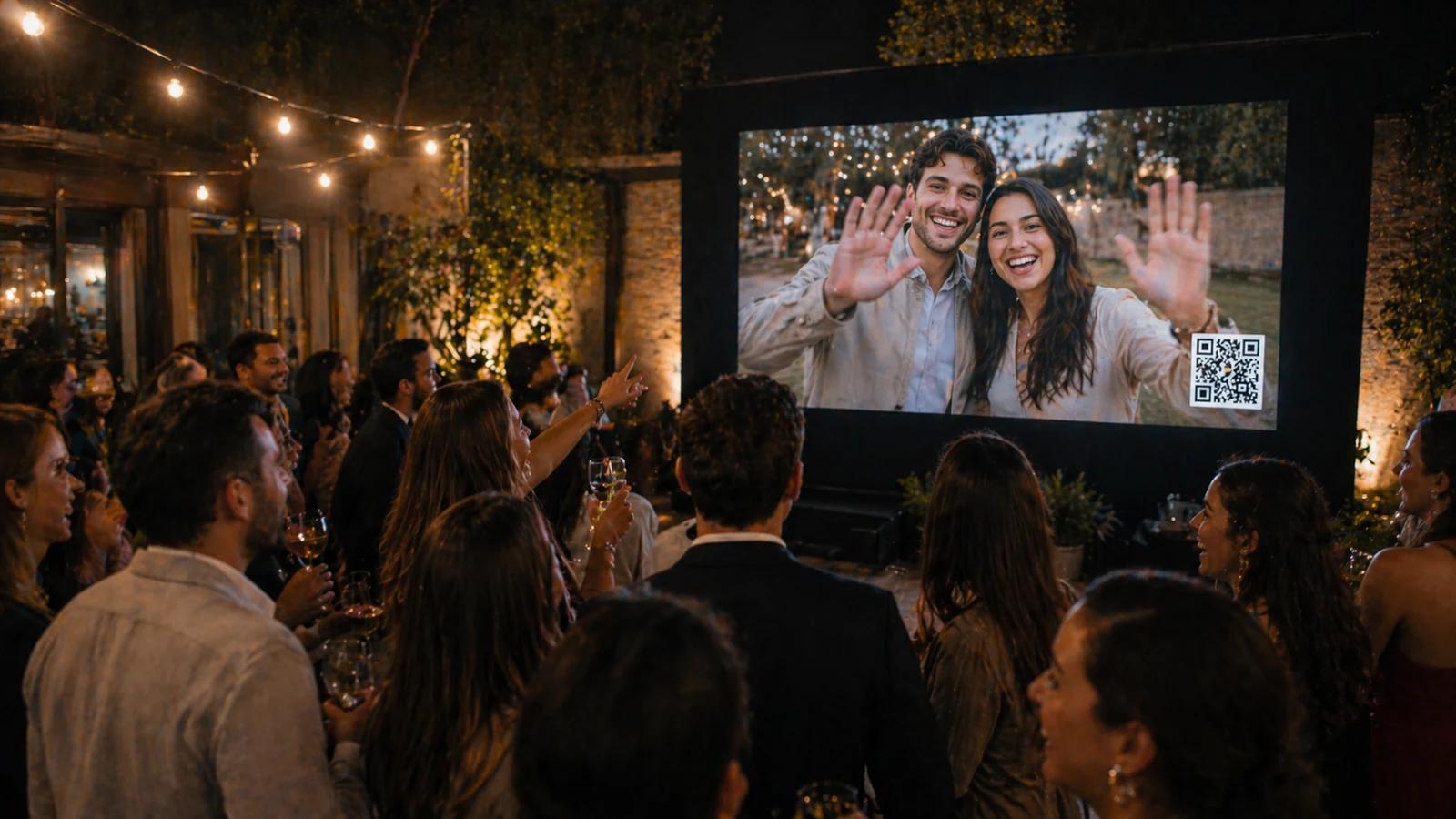
Visitors scan a QR code on your screen and send photos, videos and messages from their phone. Everything appears live on your existing signage, under your moderation. Collect their emails to keep in touch. No app to install, no new hardware.
Try it free: up to 10 guests for 7 days, on 1 TV screen.
Works withYodeckOptiSignsScreenCloudScreenlyRise VisionNoviSignXibo
The experience
Your visitors become the content
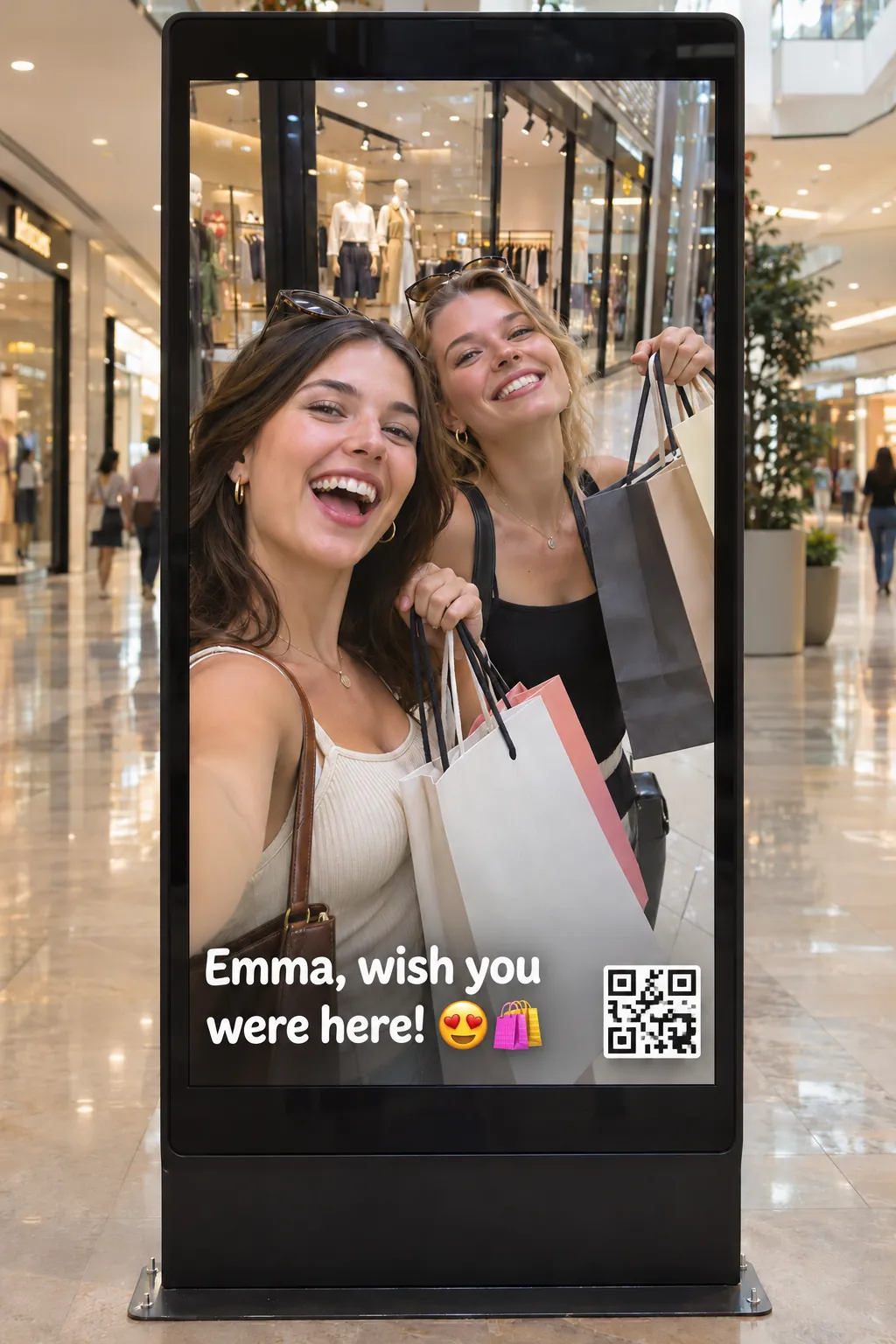
A shopper scans the QR code, snaps a selfie, adds a message and sends it. It appears live on your screen, in your mall, lobby, store or venue.
- 01
Scan
The QR code stays on screen. No app to download.
- 02
Share
A photo, a short video or a message, straight from their phone.
- 03
See
Their contribution shows up live on your signage for everyone to enjoy.
The live wall
One selfie becomes a wall of faces
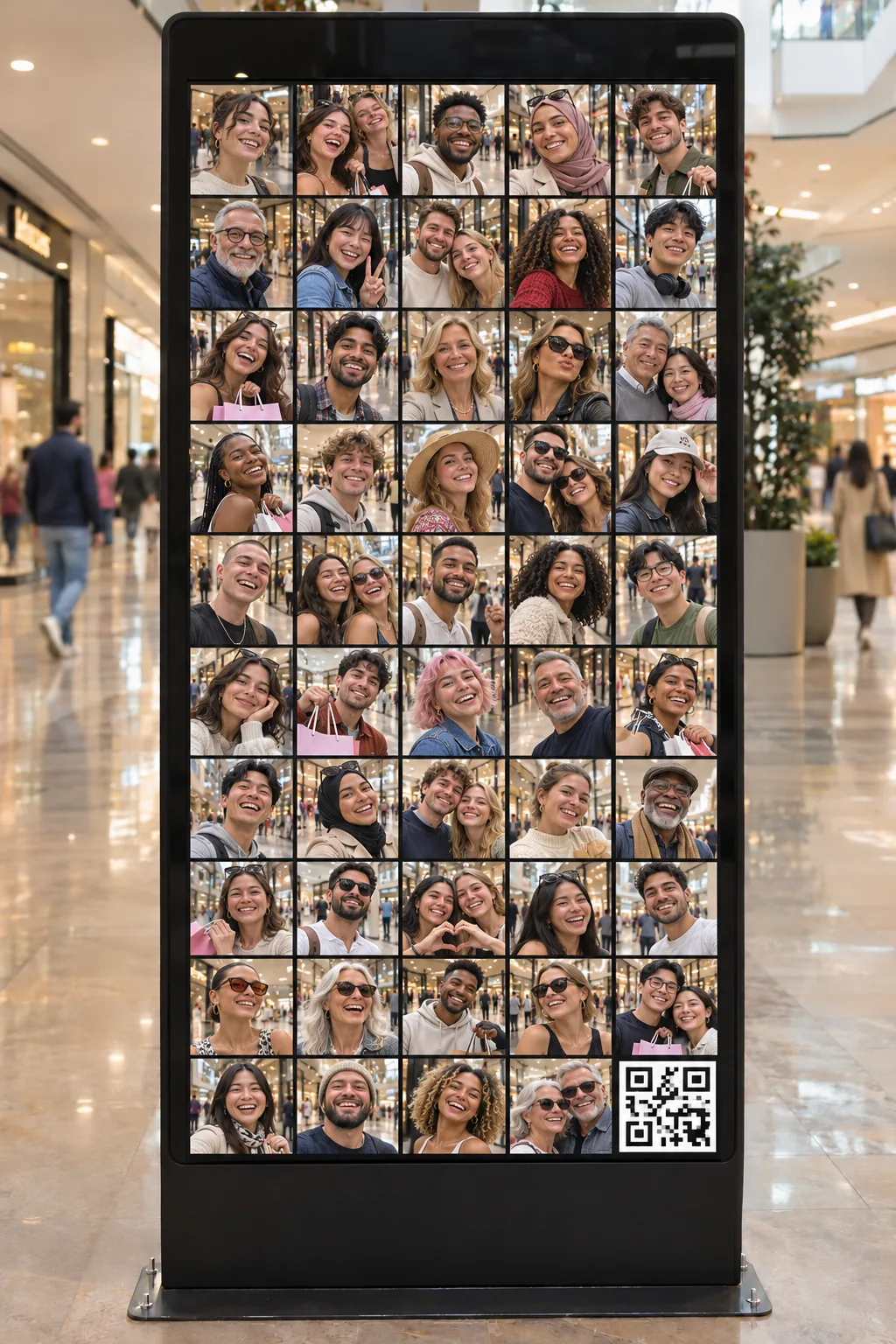
Every photo joins the mosaic as it arrives. Your screen fills with real visitors instead of stock content.
- New photos appear on the wall live.
- The QR code stays on screen, so the wall keeps growing.
- Visitors spot themselves, and want to be part of it.
Compatible signage software
Works with Yodeck and any player that can show a web page
Guestbook.tv runs in the browser, so there is nothing to install on your players. If your signage platform can display a web page or an embed, it can display your live wall.
- YodeckStep-by-step setup below
- OptiSigns
- ScreenCloud
- Screenly
- Rise Vision
- NoviSign
- Xibo
Other platforms use a Website, Web page or Embed app: you only paste one link. You can also open the link full screen in a browser on any computer or media player.
Product names belong to their respective owners. Guestbook.tv is not affiliated with these vendors.
Yodeck setup
Show your live wall on Yodeck in 3 steps
Yodeck displays any iframe with its Embed app, and any web page with its Web page app. Your Guestbook.tv live screen works with both.
- 01
Create your guestbook
Sign up for free, create a guestbook and open the Display section to copy your live screen link.
- 02
Add it to Yodeck
In Yodeck, add the Embed app and paste the embed code (or use the Web page app with your link). Then add it to a playlist.
- 03
Let visitors join
The QR code is shown on the live screen. Visitors scan it and their contributions appear live.
Embed code for Yodeck's Embed app
<iframe src="YOUR_LIVE_SCREEN_LINK" width="100%" height="100%" style="border:0" allow="autoplay; fullscreen"></iframe>Replace the link with your own live screen link from your guestbook's Display section.
Read Yodeck's Embed app guide ↗Why interactive signage
From passive screens to a live conversation
Give people a reason to look up
Visitors see their own photos and messages on your screens, so your signage gets noticed and remembered.
Turn visitors into contacts
Collect visitors' emails as they contribute, so you can keep in touch with your audience after they walk away from the screen.
Your privacy rules
Use your own privacy policy and a branded guestbook.tv address with the Professional option. Your audience, your rules.
Fresh content, no designer needed
Your community creates the content. Your playlist stays alive without extra work from your team.
Moderation built in
Review contributions and hide anything you do not want on screen, so your display stays on brand.
No app, no new hardware
Visitors use their phone camera, in 26 languages. Your players and screens keep running exactly as they are.
Where it works
Interactive signage for every public screen
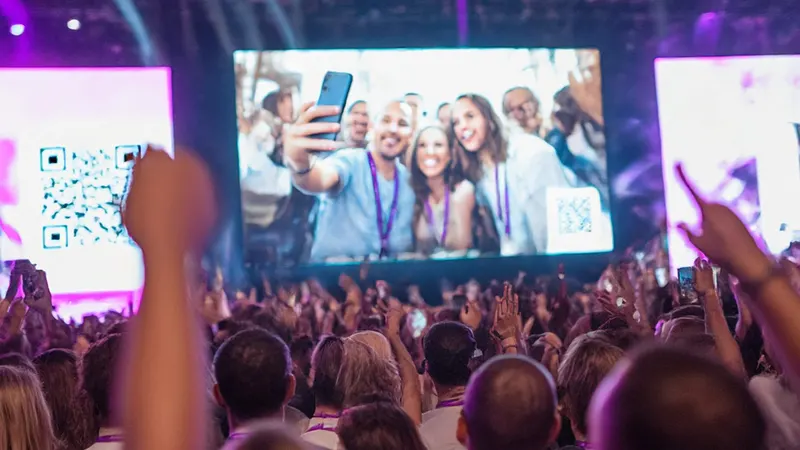
Corporate lobbies and offices
Welcome visitors and celebrate your teams with a live wall of messages and photos.
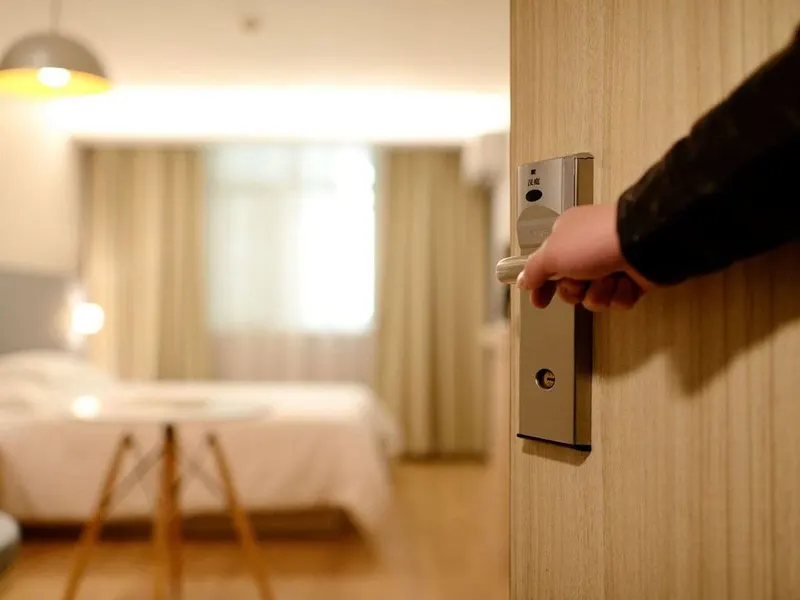
Hotels and resorts
Let guests share their stay on lobby and restaurant screens.

Restaurants and cafés
Turn dining room screens into a live wall of customer photos and compliments.
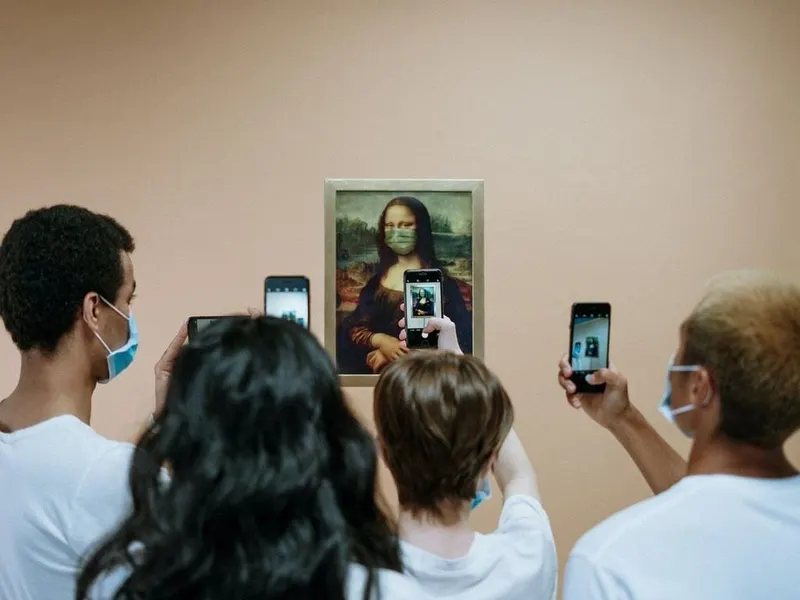
Museums and exhibitions
Collect visitor reactions and display them next to your exhibits.
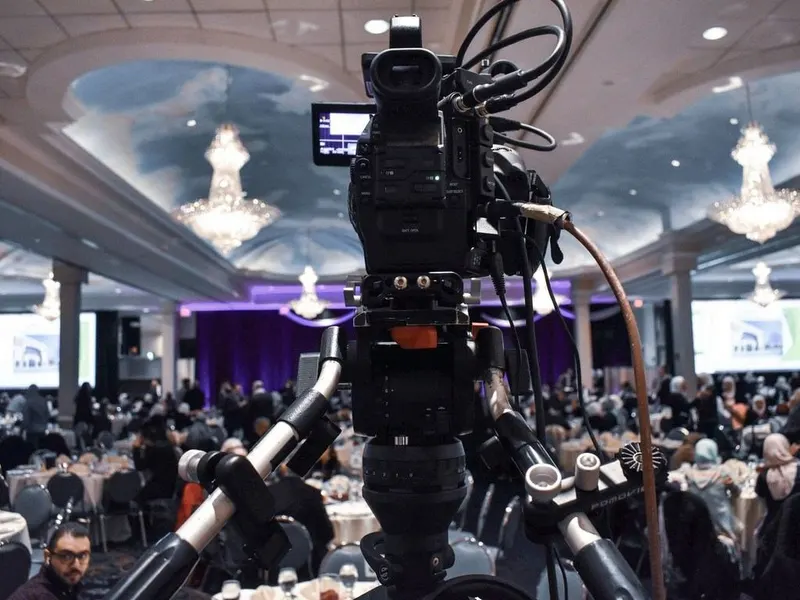
Trade shows and expos
Engage visitors at your booth with a live social wall.
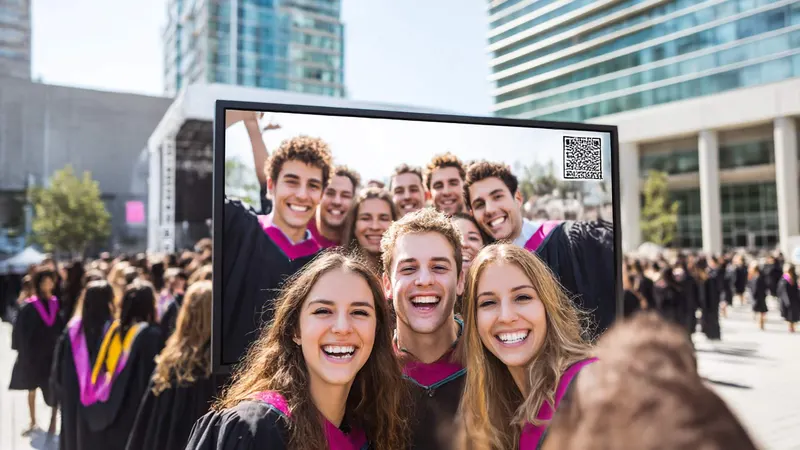
Schools and universities
Open days, campus screens and student life on one live wall.
In good company






Pricing
Start free, upgrade when you go live
Try Guestbook.tv free with up to 10 guests for 7 days on 1 TV screen. For regular use, choose a recurring plan. For a single occasion, pay once. Email capture and custom privacy come with the Professional option.
Questions
Interactive digital signage FAQ
Does Guestbook.tv work with Yodeck?
Yes. Yodeck displays any iframe with its Embed app and any web page with its Web page app. Paste your live screen embed code or link, add it to a playlist, and it plays like any other content.
Which other digital signage platforms are compatible?
Any platform that can show a web page or an embed, including OptiSigns, ScreenCloud, Screenly, Rise Vision, NoviSign and Xibo. You can also open the link full screen in a browser.
Do visitors need to install an app?
No. They scan the QR code with their phone camera and contribute from their browser.
Do I need a touchscreen?
No. Visitors interact on their own phones, so any standard screen works.
Can I control what appears on the screen?
Yes. You can moderate contributions and remove anything you do not want to display.
How many screens can I use?
The free plan includes 1 TV screen. Paid plans include several, depending on the plan. See the pricing page for details.
Does it need an internet connection?
Yes. The live screen is a web page, so your player needs internet access, like any online widget. Test it on your player before you go live.
Can I collect visitors' email addresses?
Yes. The Professional option adds lead collection and privacy settings, including your own privacy policy, so you can keep in touch with your audience on your own terms.
Can I use my own branding?
The Professional option adds a custom guestbook.tv subdomain and advanced branding.
Make every screen interactive
Ready to turn your signage into a live wall?
Create your guestbook and add it to your signage playlist.